10/27/2025
Published on Convert on 27/10/2025.
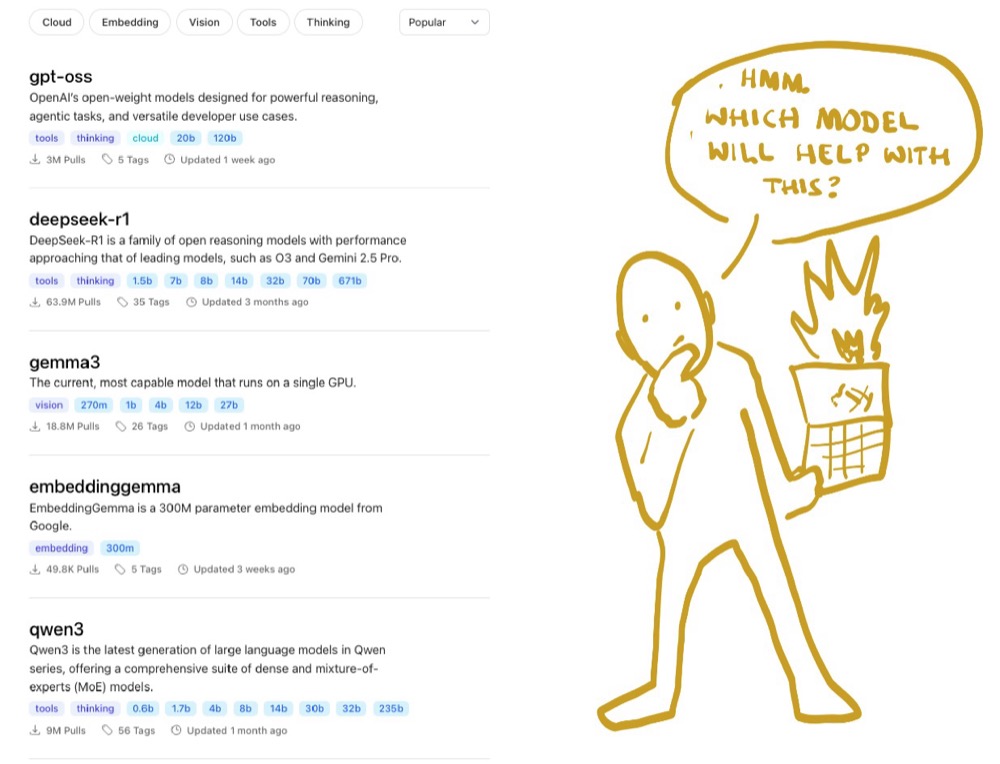
One place to test local and vendor models (e.g. OpenAI, Anthropic, Google) and see which fits your use—ideation, analysis, or content.
- Open WebUI: An open-source chat “shell” you connect to your own model sources. You run it via Docker.
- Docker: Install Docker, search for the openweb-ui image, run it, set the port (e.g. 8080), then open the app in your browser.
- Ollama: Make sure your Ollama server is running. If models don’t show up, set the Ollama API URL in Admin Panel → Settings → Connections.
- OpenRouter: One API key and URL to use many vendor models (pay-as-you-go). Add them under the OpenAI API section in Open WebUI.
- Compare: In a new chat, click + in the models list and add several models to see their answers side by side.
Smaller and local models are often faster. You can use this as your main chat instead of each vendor’s UI.